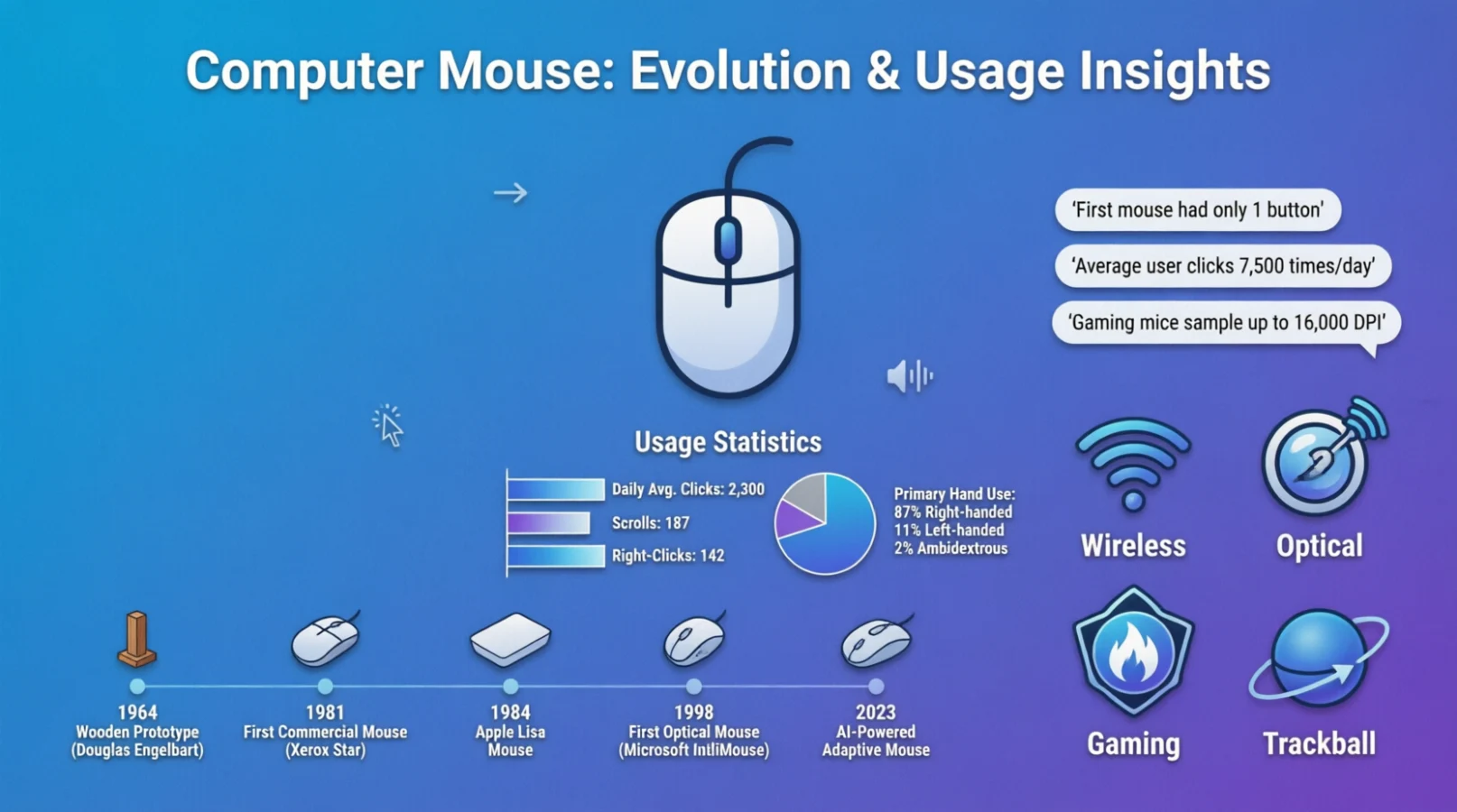
The computer mouse emoji is a simple yet useful symbol for conversations about technology, computers, browsing, and digital work.
If you are talking about clicking, scrolling, online activities, or your everyday setup, this emoji can add a quick visual touch to your message.
It is especially useful for social media posts, tech-related chats, captions, and digital conversations where words alone may not fully express the idea.
Looking for the computer mouse emoji meaning or wondering how to use it? This guide explores what the symbol represents, how people commonly use it, and where you can copy and paste it.
You’ll also discover practical examples for WhatsApp, Instagram, and other online platforms.
What do computer mouse emoji mean?
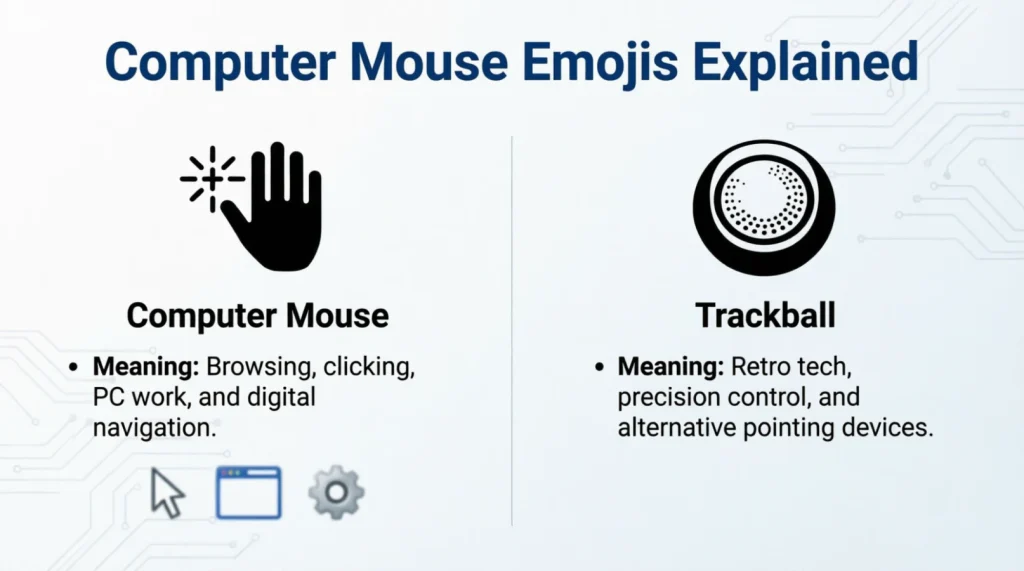
The computer mouse emoji is most directly connected with computers, clicking, browsing, navigation, and digital work. Its meaning is usually straightforward, but context can make a message feel more professional, casual, humorous, or tech-focused.
Here are closely related emojis that commonly work alongside the computer mouse emoji:
| Emoji | Core meaning | Misread as | Best used when |
| 🖱️ | Computer mouse, clicking, navigation | A small device icon | Talking about computers or browsing |
| 🖥️ | Desktop computer or workstation | A television | Discussing a desktop setup |
| 💻 | Laptop, portable computing | A general screen | Talking about laptops or remote work |
| ⌨️ | Keyboard, typing, computer input | A decorative pattern | Mentioning typing or computer work |
| 🖲️ | Trackball or computer control | A round computer button | Discussing older or alternative input devices |
| 🧑💻 | Person working with technology | General office work | Talking about coding or digital work |
| 👩💻 | Woman working with technology | General professional activity | Tech-focused posts featuring a woman |
| 👨💻 | Man working with technology | General professional activity | Tech-focused posts featuring a man |
| 🖨️ | Printer and printed documents | A scanner | Discussing printing or office tasks |
| ⚙️ | Settings, tools, configuration | A mechanical object | Talking about computer settings or adjustments |
Computer Mouse Emoji Cards
🖱️ Computer Mouse
Meaning: A computer mouse, clicking, navigation, and digital interaction.
Example 1: Time to finish my computer work
Example 2: My mouse stopped working
🖥️ Desktop Computer
Meaning: A desktop computer or workstation used for digital tasks.
Example 1: New desktop setup today
Example 2: Back at my workstation
💻 Laptop
Meaning: A portable computer used for work, study, entertainment, or communication.
Example 1: Working from my laptop
Example 2: Study session starts now
⌨️ Keyboard
Meaning: Typing, computer input, writing, and digital communication.
Example 1: Time to start typing
Example 2: Writing all day
🖲️ Trackball
Meaning: A trackball-style computer input device or alternative navigation tool.
Example 1: Trying a different computer setup
Example 2: My new input device arrived
🧑💻 Technologist
Meaning: A person working with computers, technology, coding, or digital projects.
Example 1: Building something new today
Example 2: Coding mode activated
👩💻 Woman Technologist
Meaning: A woman engaged in computer, coding, or technology-related work.
Example 1: Tech work in progress
Example 2: Creating something online
👨💻 Man Technologist
Meaning: A man engaged in computer, coding, or technology-related work.
Example 1: Deep into the project
Example 2: Computer work all evening
🖨️ Printer
Meaning: Printing, documents, office equipment, and physical copies.
Example 1: Documents are ready
Example 2: Printing the final pages
⚙️ Gear
Meaning: Settings, configuration, tools, adjustments, and technical controls.
Example 1: Checking the settings
Example 2: Time for a few adjustments
How to use computer mouse emoji the right way
On WhatsApp, the computer mouse emoji works naturally in personal conversations about laptops, computer problems, work, gaming, studying, or online activities. A short message such as “My computer setup is finally ready” can make the topic immediately clear.
On Instagram, computer-related emojis can add visual personality to captions about desk setups, productivity, technology, coding, study spaces, or new equipment. They can also support an aesthetic tech-focused bio or post without making the caption too crowded.
On TikTok, these symbols can work well with humor, relatable computer moments, workplace jokes, and technology trends. A simple digital symbol can make a caption feel more connected to the visual content.
Do:
- Use computer symbols when they support the message.
- Combine a few related emojis for a clean visual effect.
- Match the symbols with the tone of your caption.
- Keep copy paste emojis easy to read.
Don’t:
- Fill every sentence with symbols.
- Mix unrelated emojis just for decoration.
- Assume every device displays the same design.
- Use a technical symbol when the context is unclear.
Best computer mouse emoji combos copy & paste
Romantic
- 🖱️💻 Sending a message from your computer
- 💻🧑💻 Working together online
- 👩💻👨💻 Two people connected through technology
Cute
- 🖱️⌨️ Cute computer-work setup
- 💻🖱️ Simple desk setup caption
- 🖥️🖱️⌨️ A neat computer workspace
Flirty
- 🧑💻💻🖱️ Staying online for someone
- 👩💻🖥️🖱️ Digital conversation mood
- 👨💻💻⌨️ Sending a playful online message
Missing Someone
- 💻🖱️ Looking at the screen while waiting
- 🧑💻💻 Thinking about someone online
- 👩💻⌨️💻 Waiting for that message
Good Night
- 💻🖱️⚙️ Wrapping up computer work
- 🧑💻💻🖥️ Ending a long digital day
- 🖥️🖱️⌨️ Closing the workstation for tonight
These combinations can be copied directly into WhatsApp messages, Instagram captions, TikTok descriptions, comments, or casual digital conversations.
Trending computer mouse emoji in 2026
Computer-related emojis continue to fit naturally into conversations about digital work, coding, productivity, gaming setups, study spaces, and online lifestyles. In 2026, creators can use them as visual shorthand rather than relying on long explanations.
The computer mouse emoji is especially useful for straightforward technology references, while the laptop and desktop symbols fit lifestyle content. People creating technology, study, coding, office, and productivity content can combine these symbols with short captions.
| Emoji | Why trending | Who uses it | Platform |
| 🖱️ | Clear visual shorthand for computer activity | Tech users and creators | Instagram, TikTok, WhatsApp |
| 💻 | Fits remote work, study, and digital lifestyles | Students and professionals | Instagram, TikTok |
| 🧑💻 | Connects directly with coding and tech work | Developers and creators | TikTok, Instagram |
| ⚙️ | Useful for settings and technical content | Tech-focused users | WhatsApp, Instagram |
Emoji use keeps evolving alongside digital communication, with familiar symbols increasingly serving as quick visual labels for online activities and communities.
FAQs:
1. What is the most popular computer mouse emoji?
The main computer mouse emoji is 🖱️, and it is commonly used for computers, clicking, browsing, and digital tasks. It is especially useful when a message needs a clear technology reference.
2. What does 🖱️ mean from a girl or boy?
Its meaning generally depends on the conversation rather than the sender’s gender. In most contexts, it simply points to computer use, clicking, browsing, or a digital activity.
3. Why do emojis look different on iPhone vs Android?
Emoji designs are created by individual platforms and operating systems. Apple, Google, Microsoft, and other vendors can display the same Unicode emoji with different artwork, shapes, and details.
4. Are computer mouse emojis used differently in other countries?
The basic digital context is broadly understandable internationally. However, surrounding text, local online culture, and platform habits can influence how people combine computer-related emojis.
Conclusion
The computer mouse emoji is a simple way to make digital conversations more recognizable and visually engaging.
Use it naturally with related computer symbols when talking about work, study, technology, or online life.
A small, relevant emoji choice can give your message a cleaner and more expressive digital feel.